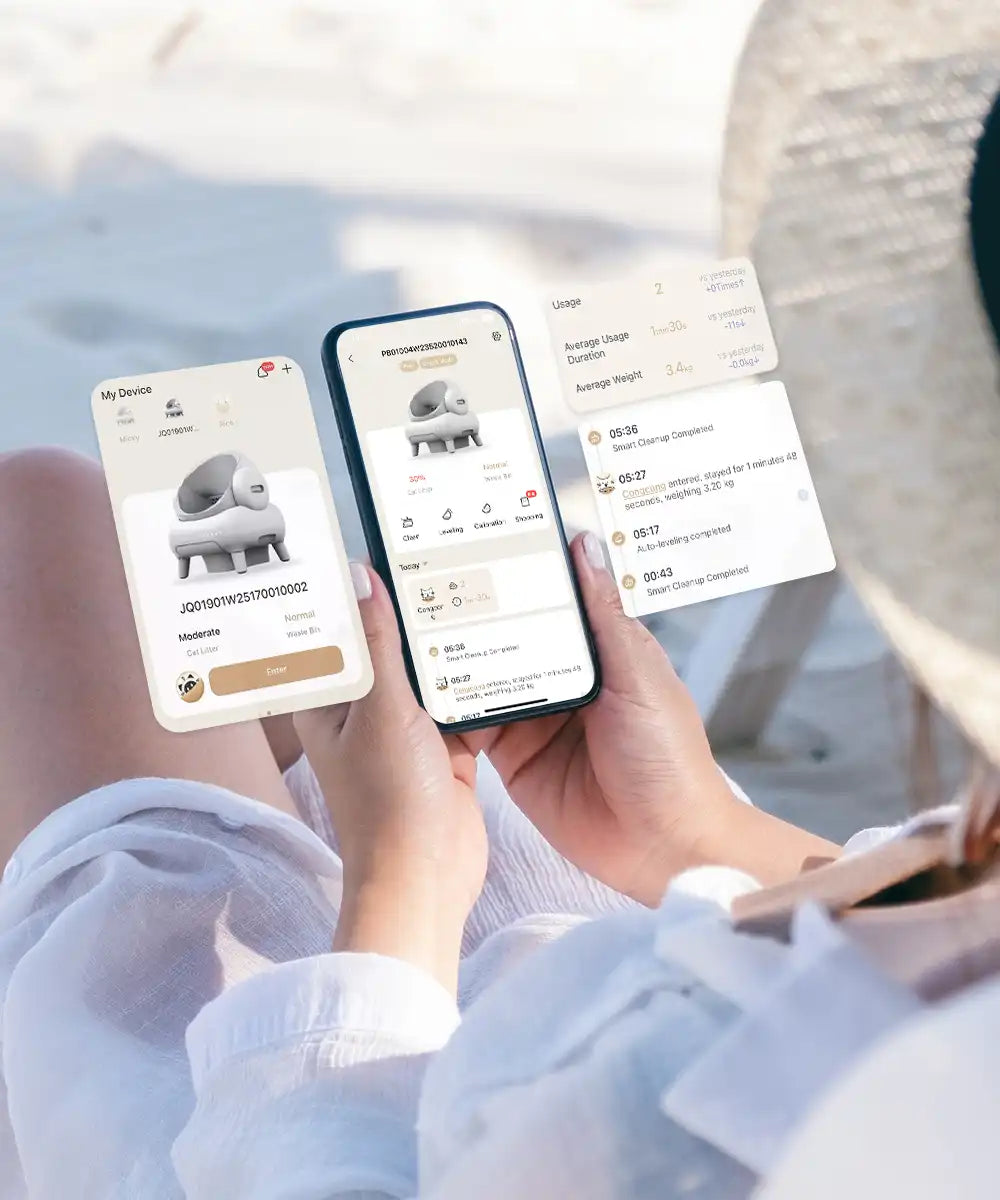
The Neakasa App helps you monitor and control your Neakasa M1 self-cleaning cat litter box from your phone.


Manage your M1 from your phone and stay informed about your cats’ litter box routine.
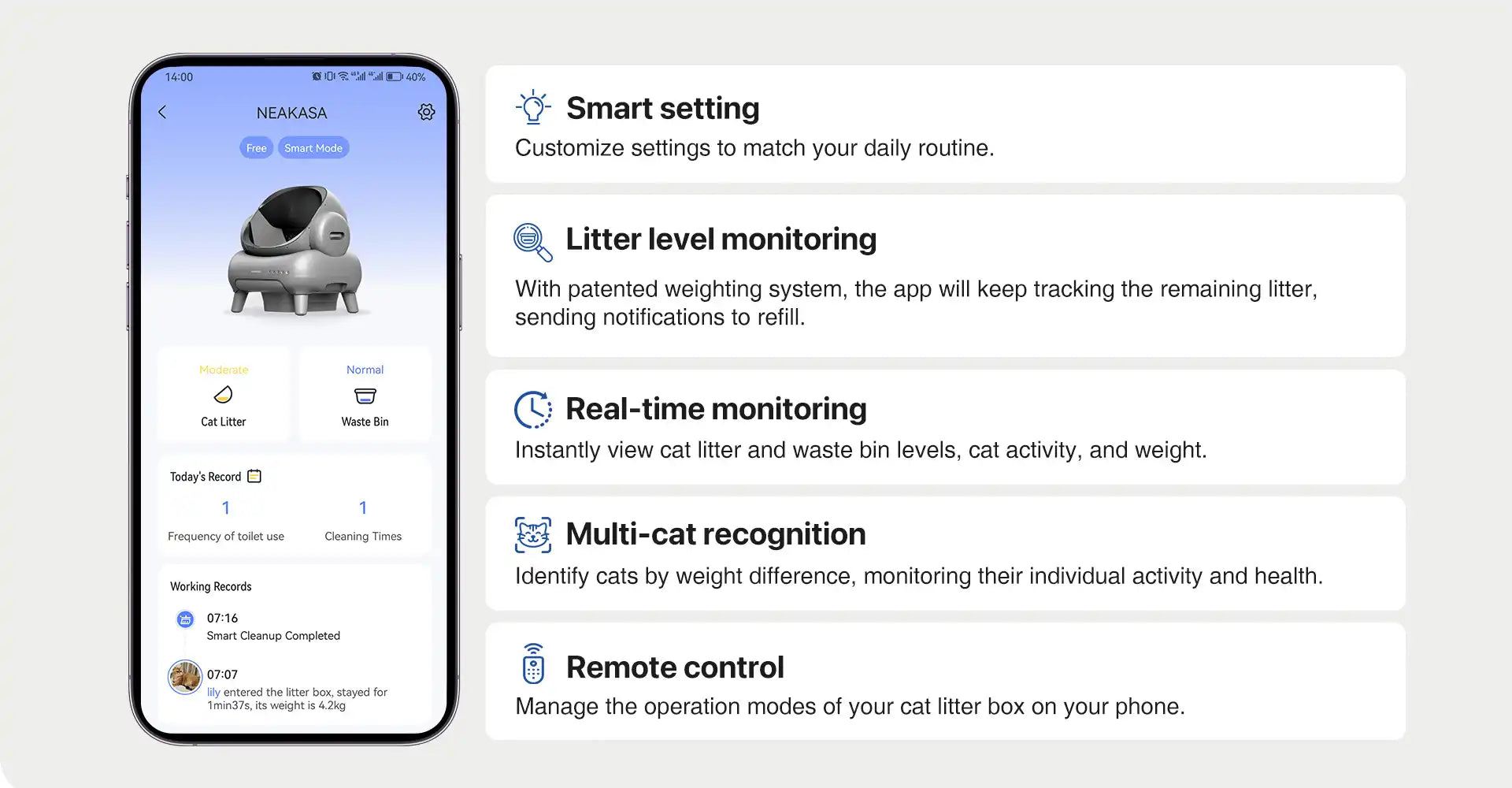
Adjust selected operation modes to match your cat’s routine and your home schedule.
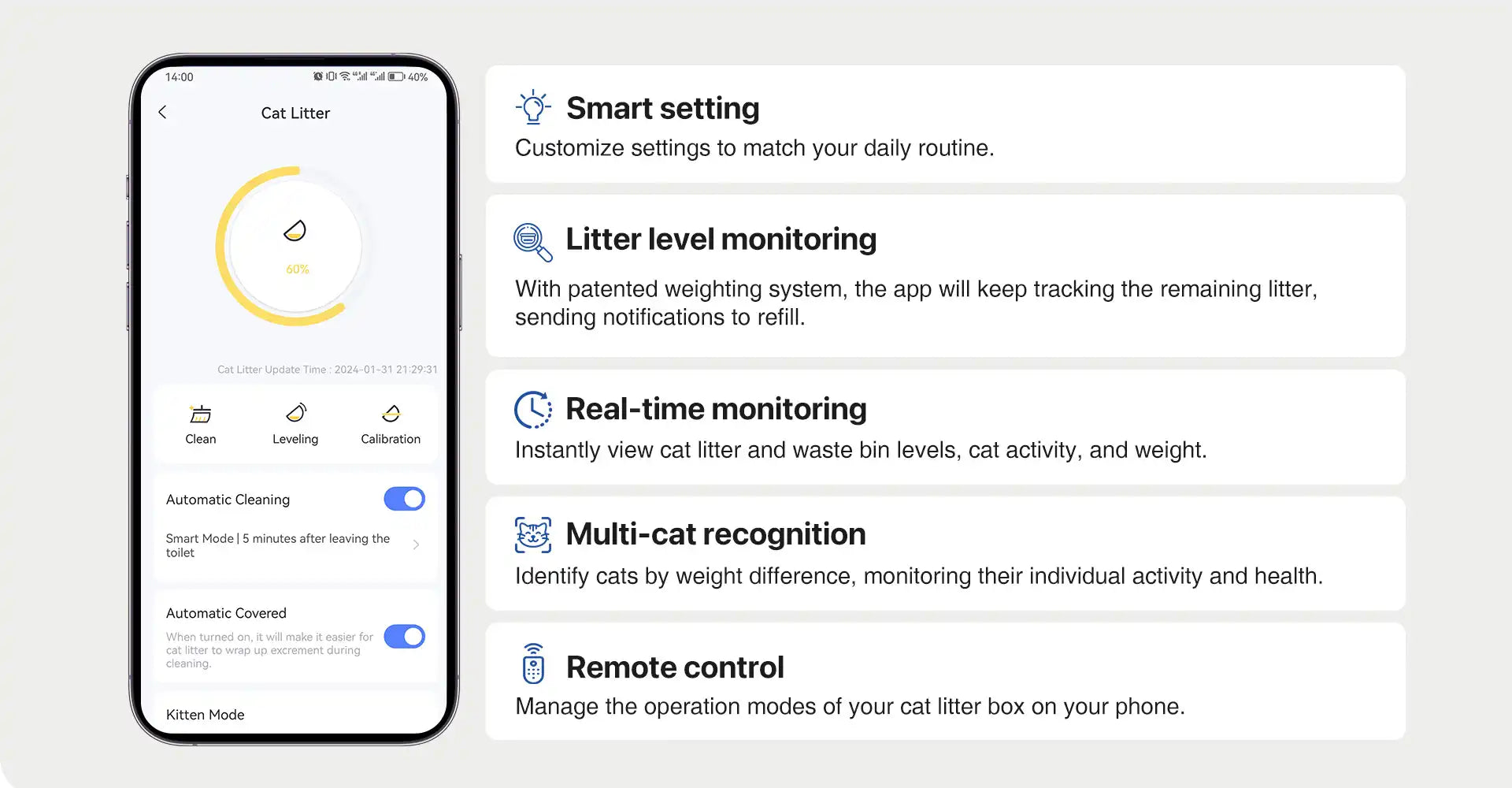
Check litter status from your phone and know when it is time to refill.
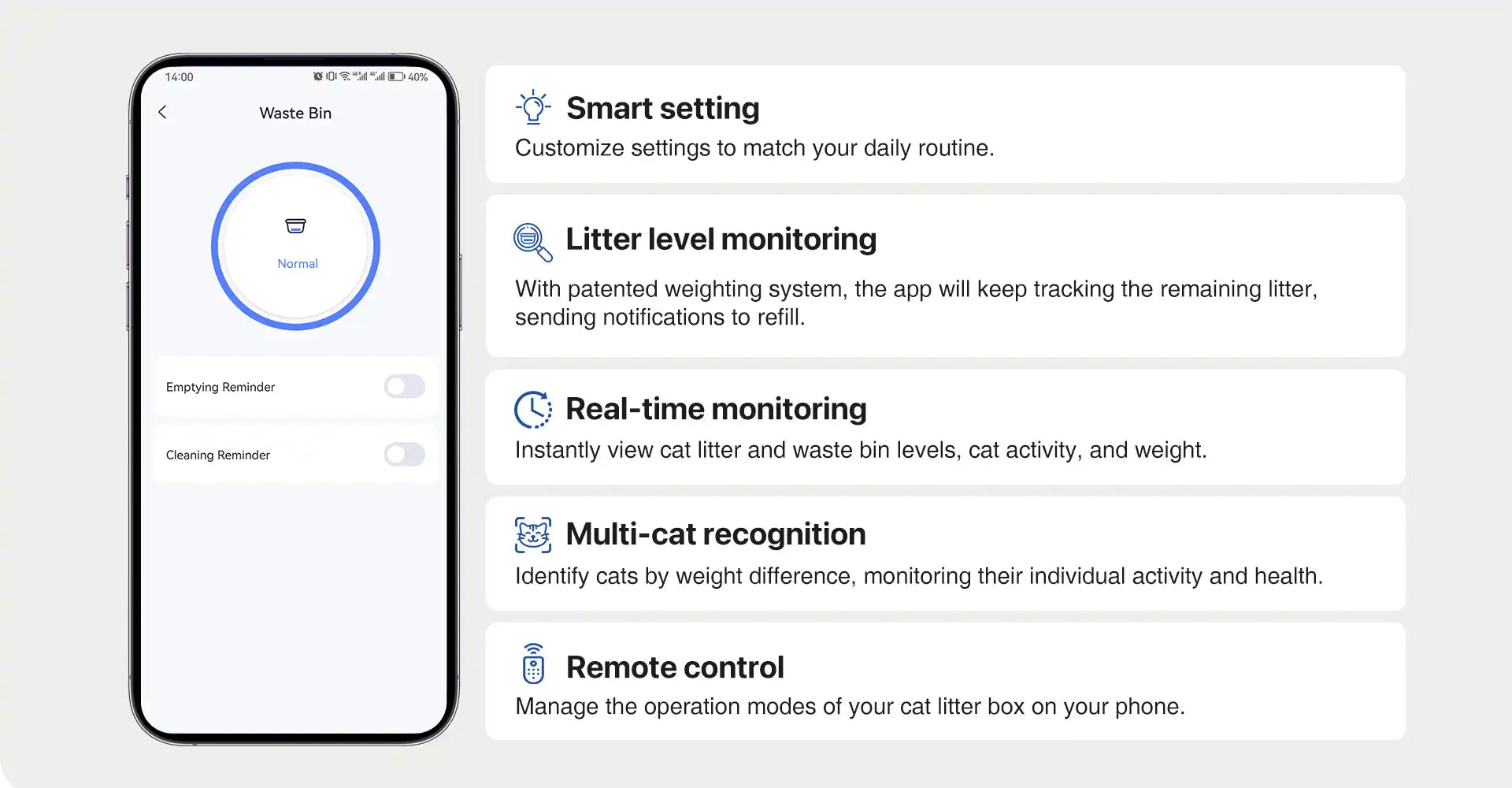
See whether your M1 is working normally and stay updated on litter box activity.
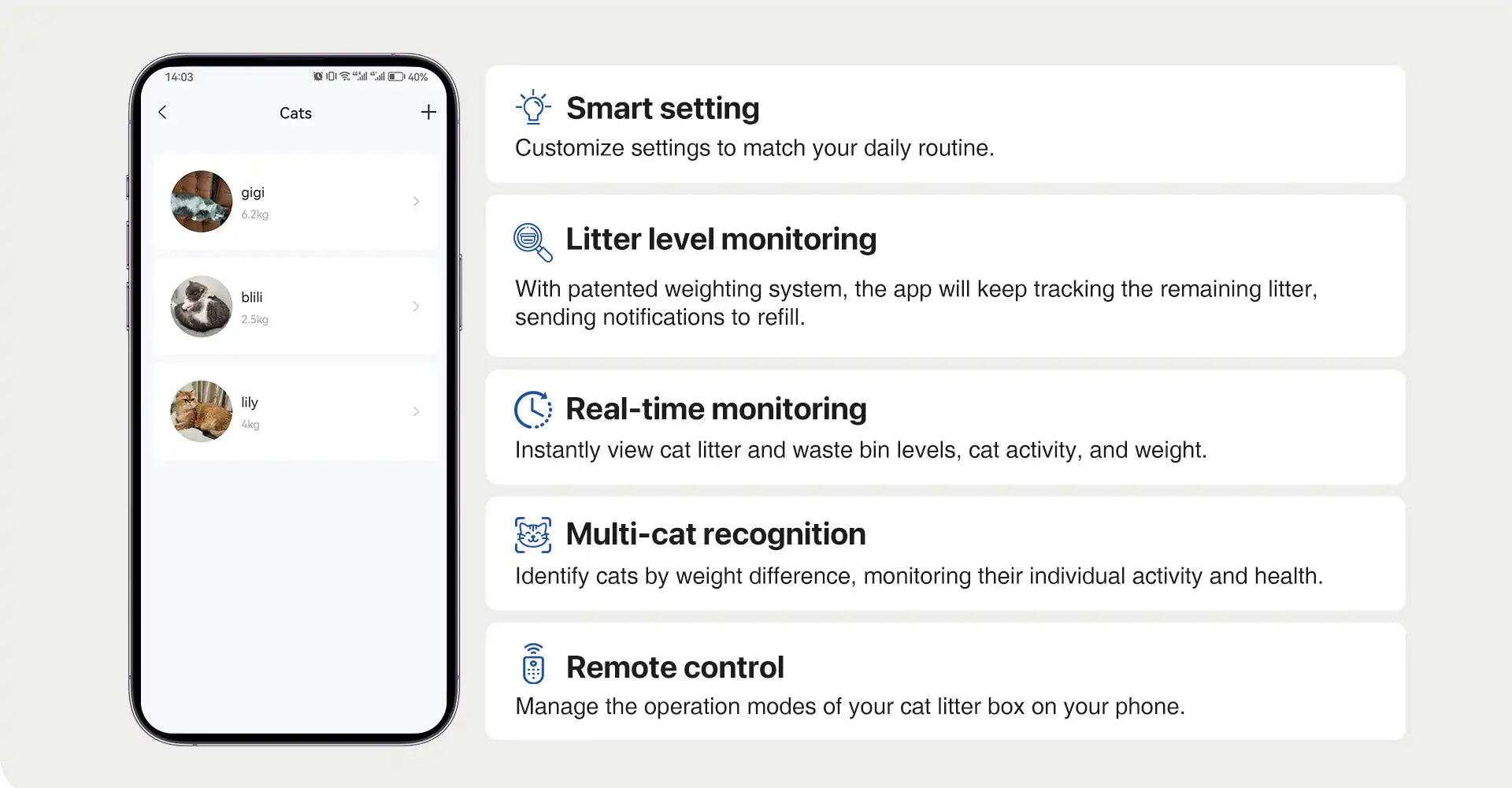
Review litter box usage patterns and notice changes in bathroom habits over time.
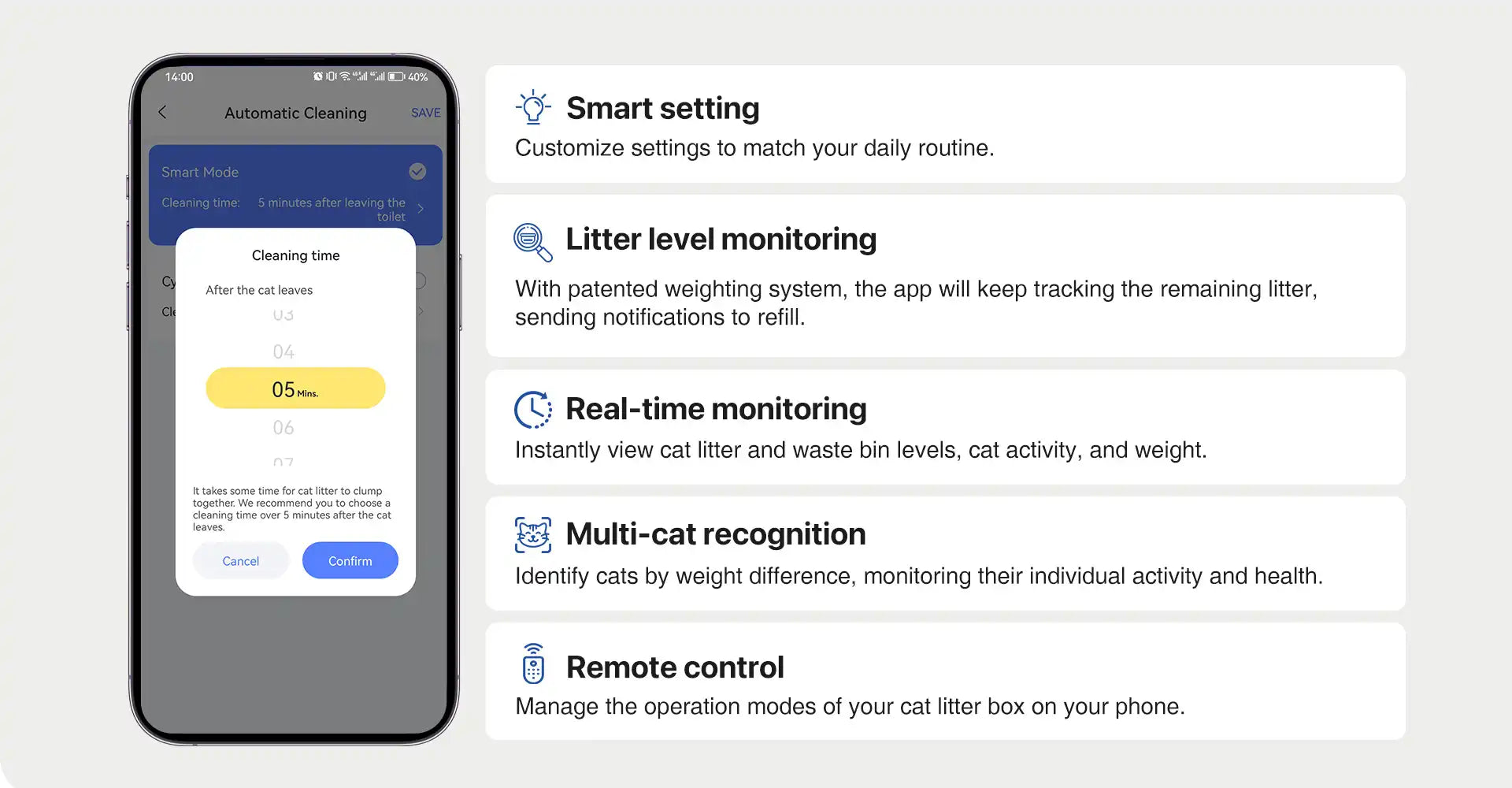
Start or adjust supported functions from your phone when you are away from the litter box.
Adjust selected operation modes to match your cat’s routine and your home schedule.
Check litter status from your phone and know when it is time to refill.
See whether your M1 is working normally and stay updated on litter box activity.
Review litter box usage patterns and notice changes in bathroom habits over time.
Start or adjust supported functions from your phone when you are away from the litter box.
Yes. The Neakasa App is available for both iOS and Android devices. You can download it from the App Store or Google Play and connect it with compatible Neakasa smart devices.
The Neakasa App works with compatible Neakasa smart devices, including the Neakasa M1 smart self-cleaning cat litter box.
Please check your product manual or in-app instructions for the latest compatibility information.
Download the Neakasa App, create or log in to your account, turn on your Neakasa M1, and follow the pairing instructions in the app. For best results, keep your phone close to the device during setup.
Yes. Once your Neakasa M1 is connected to the app, you can check its status and control selected functions from your phone, even when you are away from the litter box.
Yes. The Neakasa App helps you check litter levels and stay informed about when it may be time to refill the litter box. This makes daily maintenance easier and more convenient.
Yes. The Neakasa App is designed to help monitor litter box usage patterns in multi-cat homes. It can help you better understand your cats’ bathroom habits over time.
Yes. The app can help you review litter box activity and usage trends, which may make it easier to notice changes in your cat’s routine. However, the app is not a medical diagnostic tool. Contact your veterinarian if you notice unusual or concerning changes.
Make sure your M1 is powered on, your phone is close to the device, and your Wi-Fi connection is stable. Then restart the app and follow the pairing steps again. If the issue continues, please visit the Neakasa Support Center for help.
Check that notifications are enabled for the Neakasa App in your phone settings. Also make sure your M1 is connected properly and your phone has a stable internet connection.
The Neakasa M1 can be used as a smart self-cleaning litter box, but the app gives you access to additional features such as remote monitoring, litter level checks, usage insights, and selected app-based controls.