Neakasa M1 Plus Self-Cleaning Litter Box FAQ

Find answers to your questions about the Neakasa M1 Series Litter Box here.

  • Step 1: Upgrade the firmware and then try to connect to the network again.
  • Step 2: Please confirm if the network signal is normal, and ensure that the machine is in a location with a good network signal.
  • Step 3: Restart the router and then try to connect to the network again.

Please confirm that your mobile phone network is normal.

  • Step 1: Please try to refresh the app interface by pulling down or going back to the previous menu and re-entering the device on the app.
  • Step 2: Please update the firmware version and app version to the latest;
  • Step 3: Unplug the power, reconnect the machine;
  • Step 4: Then press and hold the WIFI button to reset WIFI, re-connect to the network, and manually clean up;
  • Step 1: Please update the app to the latest version;
  • Step 2: Please update your phone system to the latest version, iOS must be upgraded to at least iOS 17;
  • Step 3: Try re-uploading the cat's profile picture on the app.

Please kindly check the following ways to pair:

  • Step 1: Ensure that your app is updated to the latest version and check whether your WiFi network is working normally.
  • Step 2: Make sure to enter the correct password of your wifi(check whether there is space with the password).
  • Step 3: The robot does not support a 5G network. Please use a 2.4G wifi.
  • Step 4: For a better connection, please place the device closer to your router.
  • Step 5: Try to turn off the mobile data, turn on the Bluetooth, connect the phone to Wi-Fi, then run the process again.
  • Step 1: Set up according to the screenshot path.
  • Step 2: Set a different name for each cat.

No, but you can log in to your account to view historical data. Thank you for your understanding.

If the four corners of the garbage bag in the waste bin are not flat, it will easily trigger the prompt that the waste bin is full.

It is recommended that you first check whether the garbage bag is properly set and the four corners are flat.

  • Step 1: Please check whether the child lock is turned on. Click HERE to find the child lock.
  • Step 2: Please be careful not to press for a long time, just press lightly and release.

It is recommended not to press the side of the button, but try to press the middle of the button; If the button is sunken, try to press the side in the opposite direction to pop it out.

Please check according to the following steps:

  • Step 1: Please confirm whether the cat litter is sufficient, not less than 30%, and it is recommended to pour 60%-90% cat litter;
  • Step 2: Please confirm whether the kitten mode and do not disturb mode are set;
  • Step 3: Press and hold the level button for 10 seconds.

Please follow the steps below to troubleshoot:

  • Step 1: Please confirm that the power socket has power;
  • Step 2: It is recommended to try plugging in an adapter from another router(12V2A output);

Please press and hold the level button for 10 seconds.

Please follow these steps to check:

  • Step 1: Please check if the trash bag is full and replace it as soon as possible;
  • Step 2: If a new trash bag has been replaced, please take out the trash bag and check whether there is still a prompt; if there is no prompt that the waste bin is full, it may be that the trash bag has not been smoothed out and triggered a false alarm from the sensor. Please smooth out the trash bag before loading it.
  • Step 3: If it still prompts that the waste bin is full, please pull out the waste bin, wipe the dirt on the sensor at the bottom with a clean paper towel.

If there is an abnormal noise caused by friction such as "squeaking/creaking", you can refer to the video to wipe the lubricant.

Due to the influence of various factors such as the use environment, usage methods, and material properties, etc., the position of the filter will be slightly adjusted, and the function will not be affected, so please feel free to use it.

  • Step 1: Check if it has been updated to the latest firmware version;
  • Step 2: Check whether the cat accidentally touched it;
  • Step 3: Check if the machine has touched other items, such as the litter trapping mat.

Because the cat stays for too long (more than 3 minutes), the machine will misjudge that cat litter has been added and perform the leveling process.

  • Step 1: Please check whether the cat litter is at the range of 60%-90% of the scale, if the amount of cat litter is insufficient, please add cat litter in time;
  • Step 2: It is recommended that the cleaning time be set to more than 5 minutes after the cat leaves, so that the poop can form a better clump and be easier to clean.

Please update the firmware version to the latest version, and replace it with a new trash bag to resume operation.

There will be no voice reminder when the garbage bag is full, and a message will only be pushed when there is a fault. Other records can be viewed in the APP.

  • Step 1: Enter the APP: Enter the device - cat litter - calibration - select the corresponding cat litter amount;
  • Step 2: Press the Empty button and then re-pour the litter to smooth it out, or long-press the level button for 10s to fix the problem.

It is recommended that you refer to the methods in the literature to help your cat to get used to using a new litter box.

  1. Please confirm the capacity of the cat litter. It is recommended to pour 60%-90% of the cat litter.
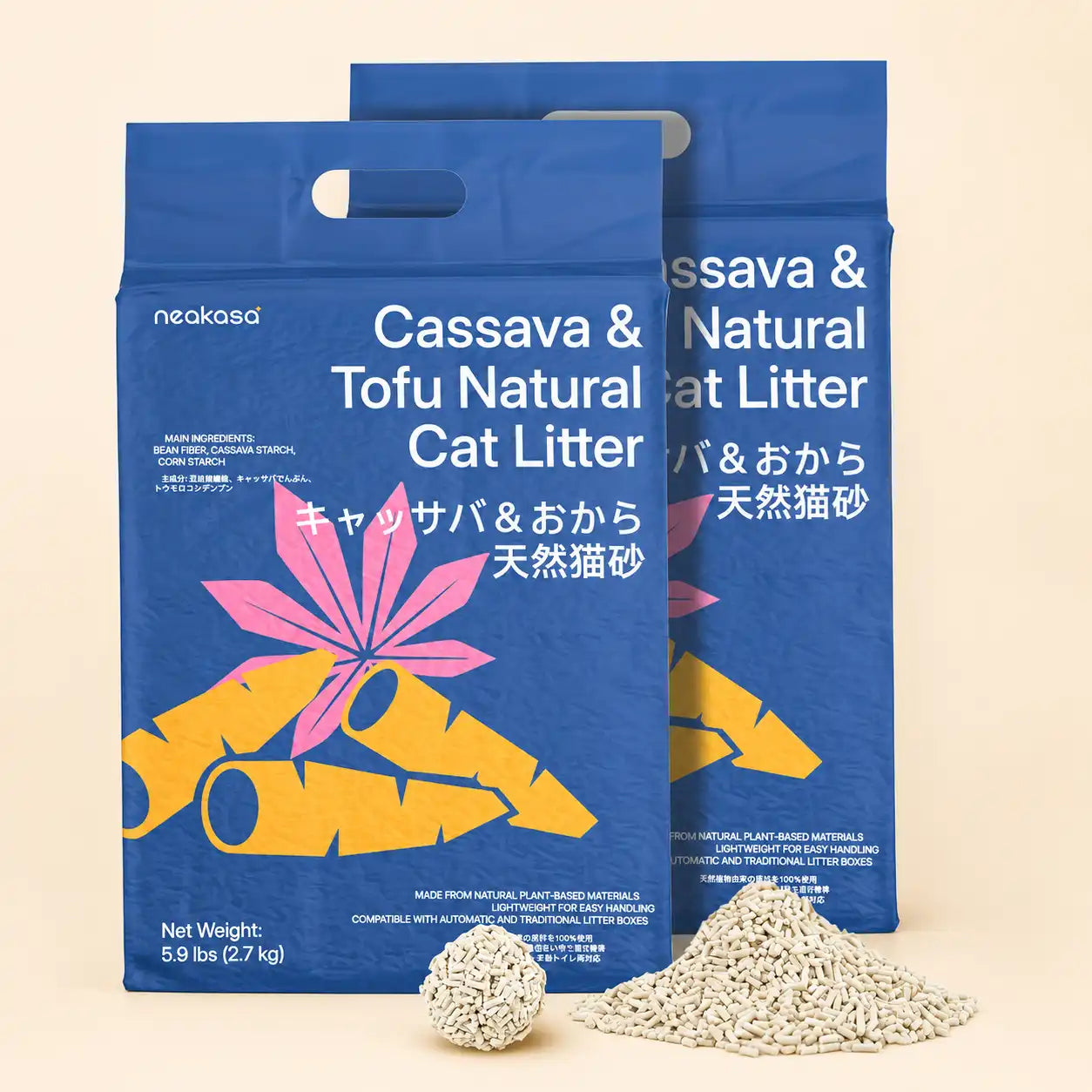
  2. It is recommended not to use tofu cat litter or reduce the proportion of tofu cat litter in the mixed cat litter.

This may happen with a new machine, but it will improve after multiple cleanings. If it still sticks to the bottom after using it for a while, it is recommended to change the cat litter brand.

It is generally recommended that 2-3 cats share.

The suitable filter for this cat litter box can filter cat litter particles with a maximum diameter of 3mm and a length of 10mm.

It supports bentonite and mineral cat litter, but does not support tofu cat litter and mixed litter containing tofu cat litter.

It is recommended that you choose fast-clumping, non-long strips of cat litter with a granular appearance, such as bentonite type and mineral type cat litter.

In addition, when using the litter chamber for the first time, you need to add about 5kg of cat litter.

It may be that the cat jumped up to go to the toilet above the filter during cleaning, causing the cat litter to clump inside the filter, which can be removed from the litter chamber for flushing.

330mm x 690mm.

For more information, please refer to the product information:

Not necessarily, as long as the garbage bag size is suitable. We recommend using Neakasa brand garbage bags, which are more compatible with the cat litter box.

This is related to the cat's habits. Most of the time, the cat scratches it.

It is recommended to fill the cat litter with 60%-90% to keep it sufficient, and trim the cat's nails regularly.

Still Need Help?

Every cat is unique! If our FAQs didn't solve your issue, we’re here to help. Just reach out via email or our contact form and include:

  • Your order number
  • A photo or video showing the problem
  • Your registered email address、
  • SN number

Contact Information

  • Support Email: support@neakasa.com
  • Working Hours: Mon-Fri, 9:00 AM - 6:00 PM (EST)
  • Response Time: Within 24 hours.